Pixels, Prompts, and Possibilities: How AI Is Rewriting the Rules of Desktop Wallpapers
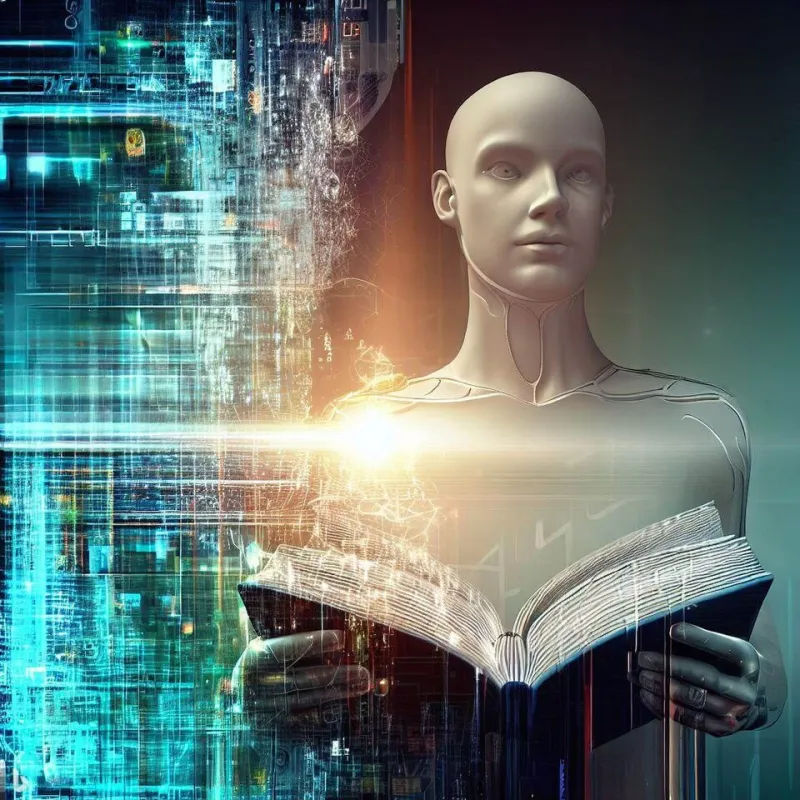
Photo: Microsoft Bing, CC BY-SA 4.0, via Wikimedia Commons
Not long ago, scoring a truly unique desktop background meant either commissioning a digital artist, spending hours in Photoshop, or just settling for whatever came preloaded on your MacBook. In 2024, that reality feels almost quaint. AI image generation has exploded into the mainstream, and the wallpaper world is one of its most exciting playgrounds.
Whether you're rocking a 4K ultrawide monitor for your gaming setup or just want something fresh on your iPhone lock screen, AI tools have made it absurdly easy to get exactly what you're picturing — sometimes literally.
The Tools That Started It All
A few names dominate the conversation when it comes to AI wallpaper creation, and each has its own personality.
Midjourney is probably the most talked-about. Running through Discord, it produces images with a painterly, almost cinematic quality that feels tailor-made for wallpapers. Type in something like "bioluminescent forest at midnight, ultra-wide, 4K" and within seconds you're looking at something that could hang in a gallery — or at least look incredible behind your browser tabs.
Stable Diffusion takes a more open-source approach. It's free to run locally on your own hardware, which means power users can fine-tune models, adjust parameters, and generate images in specific aspect ratios optimized for their exact screen dimensions. The learning curve is steeper, but the creative ceiling is basically nonexistent.
Adobe Firefly has entered the space with a more polished, commercially safe option. Because it's trained on licensed content, it's a solid pick for anyone who wants AI-generated art without the copyright gray areas that still surround other platforms.
Then there's DALL-E 3, baked right into ChatGPT, which makes it accessible to millions of everyday users who just want to type a description and get something cool without jumping through hoops.
What's Actually Different About AI Wallpapers?
Here's where things get interesting. Traditional digital wallpapers — even stunning ones — are static expressions of a single artist's vision. You either vibe with it or you don't. AI-generated wallpapers flip that dynamic completely. You become the creative director.
Want a moody cyberpunk cityscape that matches your Razer keyboard's RGB setup? Done. Looking for a soft pastel abstract that pairs well with your MacBook's light mode? Easy. Need a hyper-detailed fantasy landscape that fits a 3440x1440 ultrawide? Just specify it in the prompt.
The personalization factor is genuinely unprecedented. And for a site like WallsWeb, where we live and breathe the idea that your background should feel yours, that's kind of a big deal.
That said, AI-generated art isn't without its quirks. Hands still occasionally look like they belong in a fever dream. Text generation remains a mess. And there's a certain homogeneity that can creep in — type "epic fantasy landscape" into enough tools and you start to notice the same compositional patterns emerging. It's a known limitation the community calls "AI sameness," and it's something serious wallpaper hunters should keep in mind.
AI vs. Traditional Artwork: An Honest Comparison
Let's not pretend there's no debate here. Traditional digital artists — illustrators, photographers, 3D modelers — have spent years, sometimes decades, developing their craft. A wallpaper from a talented human artist carries intentionality, storytelling, and technical mastery that AI currently can't fully replicate.
The textures in a hand-painted digital landscape, the deliberate composition of a professional nature photograph, the intricate detail in a commissioned sci-fi piece — these things still hit differently. Many of WallsWeb's most downloaded premium wallpapers are human-made, and that's not a coincidence.
But AI excels at speed, variety, and accessibility. For users who want something hyper-specific or are just experimenting with styles, it's unbeatable. Think of it less as a replacement for traditional art and more as a new lane on the same creative highway.
Your Starter Guide to Generating Wallpapers with AI
Ready to try it yourself? Here's a quick-start framework that actually works.
1. Know your resolution first. Before you generate anything, figure out exactly what dimensions you need. A 1920x1080 prompt will look stretched on a 4K display. Most tools let you specify aspect ratios — use them. For desktops, 16:9 is standard. For ultrawide, go 21:9. Mobile wallpapers typically want a 9:16 ratio.
2. Be descriptive but structured. The best prompts combine a subject, a mood, a style, and a technical spec. Example: "Ancient Japanese temple surrounded by cherry blossoms, golden hour lighting, Studio Ghibli art style, ultra-detailed, 4K wallpaper." The more specific, the better the output.
3. Use negative prompts. Most tools let you tell the AI what not to include. Phrases like "no text, no watermarks, no blurry edges" can save you a lot of regeneration cycles.
4. Upscale your results. Tools like Topaz Gigapixel AI or even free options like Upscayl can take a decent AI image and push it to true 4K quality without losing sharpness.
5. Iterate relentlessly. Your first result probably won't be perfect. Adjust one element at a time — lighting, color palette, composition — until you land on something that genuinely makes you smile every time you sit down at your desk.
The Bigger Picture
What AI wallpaper generation really represents is a democratization of visual design. You no longer need a budget for premium art or the skills of a Photoshop veteran to have a background that feels custom-made. That's a genuinely exciting shift, and one that's pushing platforms like WallsWeb to think bigger about what a wallpaper repository can offer.
Expect to see more AI-assisted collections, user-generated galleries, and prompt-sharing communities pop up across the web in the coming months. The line between consumer and creator is blurring fast — and your desktop is the canvas.